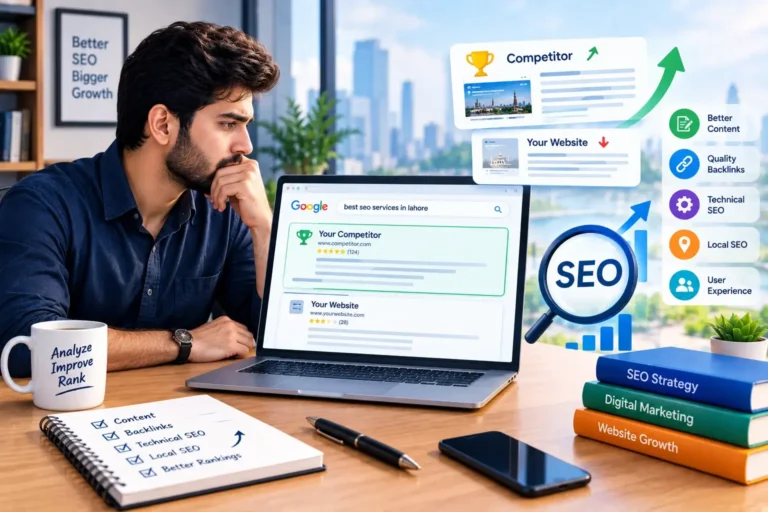
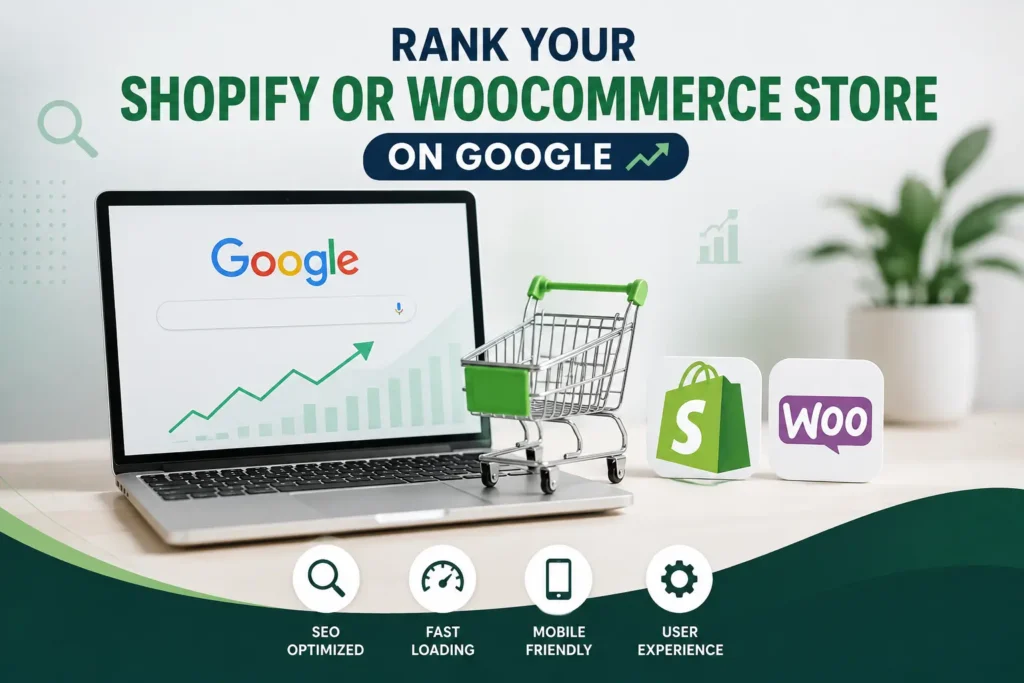
Opening a Shopify or WooCommerce store takes a weekend. Getting that store to show up on Google can take months, and most owners find that out the hard way. You publish your products, wait for traffic, and nothing happens. A competitor with a worse-looking site outranks you for the exact terms your customers search every single day.
This guide covers what actually moves the needle for ecommerce SEO. It walks through site structure, product content, technical fixes, and the platform habits that trip up Shopify and WooCommerce stores in different ways. None of it needs a developer background. It just takes a clear plan, some patience, and a willingness to fix what’s already broken on your store.
Why Most Shopify and WooCommerce Stores Struggle to Rank
Most ecommerce stores share the same three problems. Product descriptions get copied straight from the manufacturer, so dozens of other stores use the exact same words. Category pages sit nearly empty, offering Google nothing to understand what the page is actually about. Site structure grows messy as products get added, burying good pages under layers of clicks.
None of these problems are unique to Shopify or WooCommerce. They show up on almost every store built without SEO in mind from day one. The good news is that each one has a straightforward fix. None of them require rebuilding your store from scratch.
How to Rank Your Store on Google
Ranking a Shopify or WooCommerce store comes down to five things: clean site structure, original product content, optimized category pages, solid technical SEO, and a steady stream of backlinks and reviews. Get these right, and your store starts competing for the searches that actually lead to sales.
Fix Your Site Structure First
Every product should sit no more than three clicks from your homepage. Deep, buried pages rarely get crawled properly, and visitors give up before finding what they want. Group products into clear categories and subcategories that match how customers actually search, not how your warehouse organizes inventory.
Use breadcrumb navigation on every page. It helps Google understand your site hierarchy, and it helps shoppers find their way back to a category without hitting the back button. A flat, logical structure is one of the simplest wins in ecommerce SEO, and it costs nothing to fix.
Write Unique Product Descriptions
Copying manufacturer descriptions is the single most common mistake ecommerce stores make. If ten other stores sell the same product with the same text, Google has no reason to rank yours above theirs. Write descriptions that answer real questions: who the product is for, how it’s used, and what makes it different from similar options.
Aim for at least 150 words per product page for anything you actually want to rank. Skip the generic filler. Include the actual search terms your customers type, but don’t repeat the same phrase over and over.
Optimize Your Category and Collection Pages
Category pages are often the most overlooked ranking opportunity on a store. Add a genuine paragraph or two of intro content above the product grid, explaining what the category covers and who it’s for. This single change gives Google real text to index instead of a wall of thumbnails.
Keep your category titles clear and specific. “Men’s Running Shoes” ranks better than “Footwear,” because it matches what people actually type into Google.
Handle the Technical SEO Basics
Page speed matters more on ecommerce sites than almost anywhere else. Slow-loading product pages lose both rankings and sales. Compress your images, limit unnecessary apps and scripts, and check your mobile experience specifically, since most shopping searches now happen on phones.
Make sure your sitemap is submitted to Google Search Console. Check that no important pages are accidentally blocked by robots.txt. A full technical SEO audit can catch issues a quick manual check often misses.
Build Backlinks and Collect Reviews
Backlinks still carry real weight for ecommerce rankings, especially from sites relevant to your niche. Reach out to bloggers, local directories, and industry sites for honest mentions. Paid placements risk a Google penalty, so keep outreach genuine.
Reviews matter almost as much. They add fresh, unique content to your product pages automatically, and they influence both rankings and whether a visitor actually clicks buy. Make it easy for customers to leave one after checkout.
Shopify SEO Tips You Won’t Find on WooCommerce
Shopify handles a lot of technical SEO automatically, but it has quirks worth knowing. Its default URL structure adds “/products/” and “/collections/” to every page. You can’t fully remove that without an app. Focus your energy where you do have control: titles, meta descriptions, and alt text, all editable directly in the admin panel.
Watch for duplicate content from Shopify’s collection filtering, which can generate near-identical URLs for the same products. Use canonical tags. Shopify sets them automatically in most cases, but double-check filtered collection pages specifically. Ecommerce SEO services built for Shopify stores can help if the setup feels overwhelming.
WooCommerce SEO Tips You Won’t Find on Shopify
WooCommerce runs on WordPress, which means it inherits both WordPress’s SEO strengths and its plugin-related headaches. Tools like Rank Math or Yoast give direct control over titles, schema, and sitemaps. Shopify rarely allows that level of control.
The tradeoff is that WooCommerce sites can slow down fast if you install too many plugins. Audit your plugin list regularly. Choose a hosting plan built for WooCommerce traffic, not a generic shared hosting package. Site speed problems on WooCommerce almost always trace back to hosting or plugin bloat, not the platform itself.
How Long Until You See Results
Ecommerce SEO is not fast. Most stores start seeing meaningful ranking movement around three to four months after fixing the issues above. Real traffic growth often takes six months or longer. New stores with little existing authority tend to sit at the longer end of that range.
The stores that see faster results usually fix technical issues and product content at the same time. They don’t tackle one, wait for results, then start the next. Momentum comes from working on several fronts together.
Getting Your Store to Actually Rank
None of this requires guesswork. Fix your site structure, write real product descriptions, and clean up your technical setup. Keep building backlinks and reviews over time. Shopify and WooCommerce both reward the same fundamentals. The tools to fix them just look different on each platform.
Consistency matters more than any single change. Small, steady SEO improvements each month beat one big push followed by nothing.
Frequently Asked Questions
Does Shopify or WooCommerce rank better on Google?
Neither platform has a built-in ranking advantage. Google cares about site structure, content quality, and technical health. All of that depends on how the store is set up, not which platform it runs on.
How many products do I need before SEO starts working?
There’s no minimum product count. A store with 20 well-optimized products can outrank a store with 500 thin, copied listings. Quality and uniqueness matter more than catalog size.
Can I do ecommerce SEO myself, or do I need an agency?
Many of the basics, like product descriptions and category content, can be handled without outside help. Technical fixes and ongoing backlink work often benefit from professional support, especially for stores with large catalogs.
Does switching from Shopify to WooCommerce help SEO?
Rarely. Migrating platforms without fixing the content and technical issues just moves the same problems elsewhere. Fix the fundamentals first before considering a platform switch.